
Rental & Other
Provides annual maintenance contracts for IT equipment such as PCs, Printers, Notebooks, and Servers, including repair, cleaning, and management services. Also offers computer and peripheral rentals for short- or long-term use, with options for new or high-quality second-hand devices. Ideal for office work, sales, seminars, or Work from Home, helping reduce costs without new investments.




Rental
Kai IT offers rental services for Enterprise Systems, PCs, Desktops & All-in-Ones, Monitors, Laptops, and other computer equipment as requested. Rentals are available daily, monthly, or yearly, providing high-performance equipment to meet user requirements.
Enterprise System
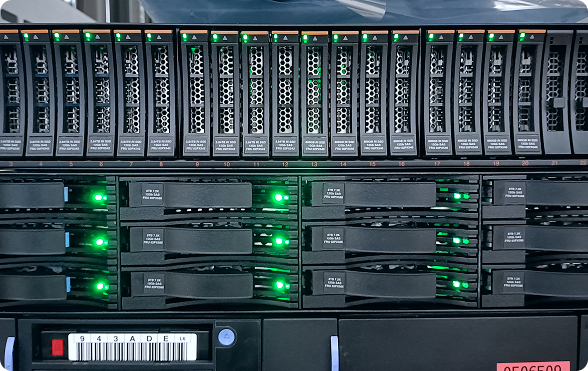
Critical equipment for organizational operations, serving as the core of the company’s IT system. Kai IT provides rental services for Intel x86 Servers (x86 and x64 CPUs), Sun Solaris Servers, Storage (IBM FlashSystem 5015), and SAN Switches.


Computer
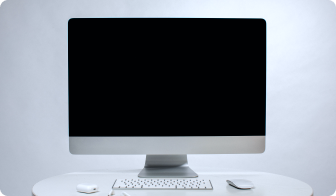
Offers ready-to-use computer rentals for organizations. Customers can select models and specifications. Devices are fully configured with software, maintained by experts, and replaced immediately in case of issues.
Notebook
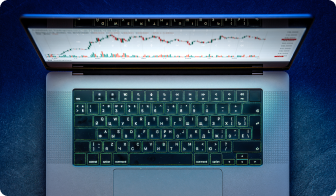
Provides ready-to-use notebook rentals for organizations. Customers can choose models and specifications. Notebooks are fully configured, maintained by experts, and replaced immediately if any problems arise.
Other
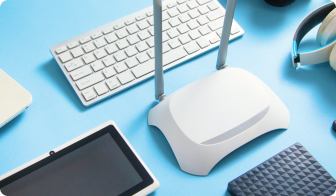
Offers rental of other peripheral equipment for organizations or offices. Customers can request specific models to suit their usage requirements.

Computer & IT Gadget
Computer is the main device for data processing, which can be either a Desktop Computer or Notebook. IT Gadgets are accessories that enhance convenience and functionality of computers and other IT devices.
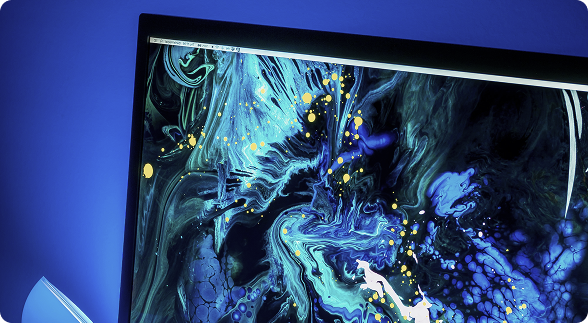
Monitor
A display device (output device) that converts processed signals into images, text, or symbols that can be seen by the user.
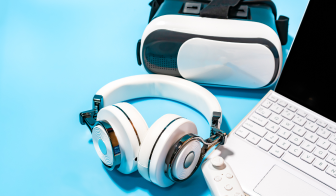
Gadget
Accessories that enhance the functionality or convenience of IT devices. Usually portable, with unique features and modern design.
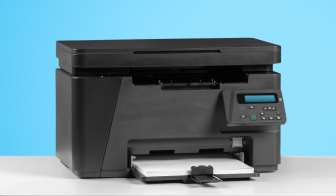
Printer
A peripheral device that converts data from a computer or other devices into paper documents. It can operate using various methods, such as inkjet, laser heat, or impact printing.
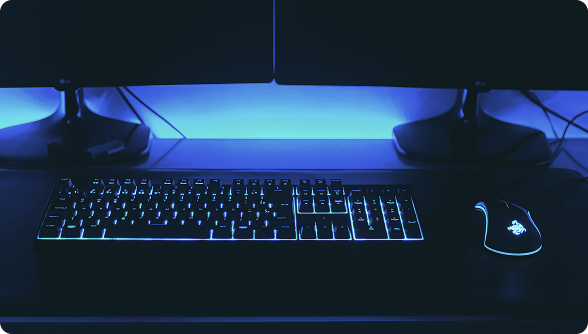
Others
Various other peripherals that support computer operations, designed to meet user requirements and enhance convenience.
PC
PC stands for Personal Computer, designed for individual use. Available as Desktop or Laptop, it supports various tasks including work, study, gaming, or internet browsing.




Technology Innovation Awards
3x Winner — CPA Practice Advisor


FAQs
What is the difference between Wi-Fi and Wireless?
- Wireless generally describes any technology that operates without cables (e.g., TV remote).
- Wi-Fi is a trademarked technology that allows devices to connect without wires (e.g., phones, computers).
- In simple terms: Wi-Fi is like traffic rules that enable wireless communication, while Wireless refers to all cable-free communications.
How can I fix Wi-Fi connection issues?
- Check drivers: Update your Wireless Adapter driver to the latest version.
- Restart devices: Try turning Wi-Fi off and on again, or reboot your router.
- Disable other connections: If both Wi-Fi and LAN cable are connected, disable one temporarily.
- Use troubleshooting tools: Check your network settings.
How many types of wireless networks are there?
- Common Wi-Fi standards include 802.11 b, g, n, ac, and ax (Wi-Fi 6).
- Older standards like b and g operate on 2.4GHz, while newer standards like ac and ax (Wi-Fi 6) use 5GHz.
- Modern routers supporting new standards such as Wi-Fi 6 offer faster data transfer speeds.