Hardware
We provide of computers and IT equipment of all kinds, including custom-built office PCs, network installation and maintenance services such as LAN, Wireless LAN, and CCTV systems, as well as equipment repair services. We collaborate with leading brand partners to deliver the most suitable solutions for our clients.

Hardware
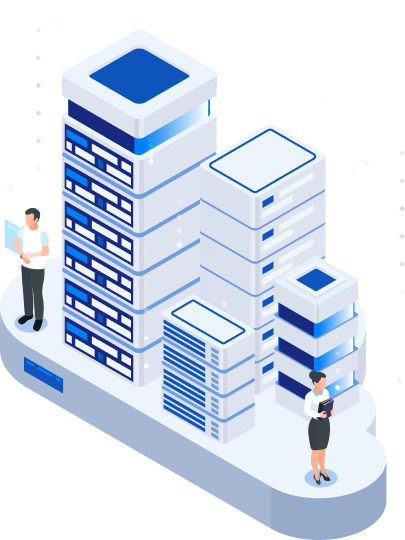
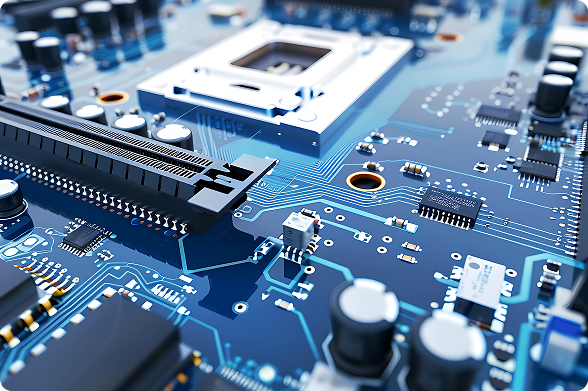
Computer and IT hardware, including PCs, Workstations, Notebooks, Servers, Storage systems, Printers, Monitors, Network devices, and peripherals, are essential components that ensure smooth and efficient operations.
Server & Storage
High-performance computing and data storage systems
In every organization, whether small or large, public or private, there is usually a centralized system of services. These include file sharing (File Share), data backup (Backup Server), as well as other services such as Database Servers, Mail Servers, Web Servers, Application Servers, and more. These services are critical for business operations and must be provided with high availability and continuity.
Currently, these services can be delivered using servers in combination with storage systems, and in some cases, certain services can be provided using storage alone without requiring a dedicated server.
Servers – A Core Component for Every Organization
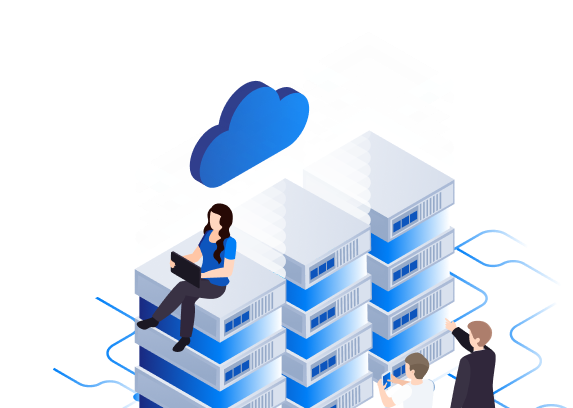
Servers are critical components for any organization. They can be used as Database Servers, File Servers, Application Servers, Web Servers, or other types of servers that support internal business operations.

Handles processing for database systems
Manages storage and sharing of files, allowing both collaborative and individual access
Handles specialized tasks such as accounting, finance, or human resources applications
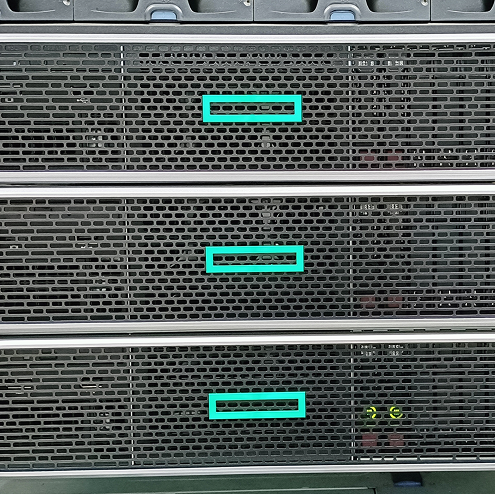
Kai IT provides procurement and sales of servers tailored to customer requirements
We can supply high-performance servers and provide recommendations tailored to the client’s needs, ensuring future scalability. If customers have specific requirements regarding brand, model, or features, they can provide details so we can source and present the optimal solution.
When selecting a server to meet specific operational needs, several factors must be considered. The first is determining its intended use and required capacity. Other considerations include available space, whether a server rack is present, and whether a Tower Server or Rack Server is more suitable. For both types, you can configure processor (CPU), memory, storage (HDD), dual power supplies, and additional cards to meet the intended purpose or allow future expansion.

Differeences of Servers
Servers differ from regular computers in that they are designed to handle large-scale processing and provide continuous services to users whenever requested. They support multiple network connections, deliver high performance, and ensure strong security. Most servers are housed in highly reliable datacenters and are maintained by trained professionals with extensive experience in server management.
Physical servers can be categorized according to their form factor, which refers to the shape and size of the server chassis. This classification helps organizations choose the appropriate server type to match their operational requirements and available space.


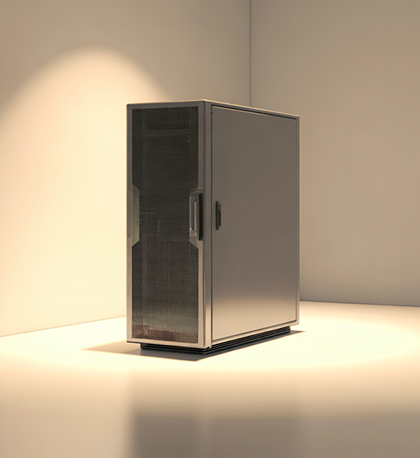
Tower Servers
Tower Servers are designed as standalone units, either floor-standing or desktop-style, making them ideal for installations without a server rack. They come in various sizes to suit different purposes and available space.
A tower server has a vertical form factor and is placed individually. Its shape is similar to a standard desktop computer, but it offers better airflow because the components are not tightly packed together.
This form factor is generally the most cost-effective compared to other server types, making it suitable for small to medium-sized businesses (SMBs) with limited budgets. However, the main drawback is that it occupies more physical space than other form factors.
Examples include: Lenovo ThinkSystem TS450, Lenovo ThinkSystem ST250 V3, HPE ProLiant ML350 Gen11, and HPE ProLiant ML110 Gen11, etc.
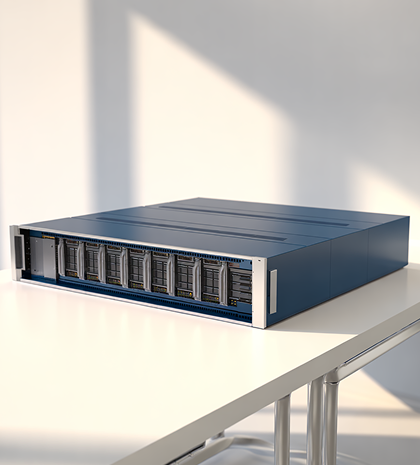
Rack Servers
Rack Servers are horizontal, stackable units designed to be mounted in a server rack, typically with a standard 19-inch width. They are best housed in dedicated server rooms and come in various sizes depending on the intended application.
Rack servers are primarily used in data centers to manage the entire computing environment. They can handle large workloads, occupy less physical space than tower servers, and are designed in a standard horizontal form factor that allows servers, UPS units, and switches from different brands to be stacked efficiently in a cabinet.
The rack form factor is measured in U units, which indicate the height of the device (1U ≈ 4.4 cm). Cable management is typically simplified to facilitate easy installation and maintenance.
Examples include: Lenovo ThinkSystem SR650 V2 Rack Server, Lenovo ThinkSystem SR630 Rack Server, HPE ProLiant DL380 Gen11, and HPE ProLiant DL360 Gen11.
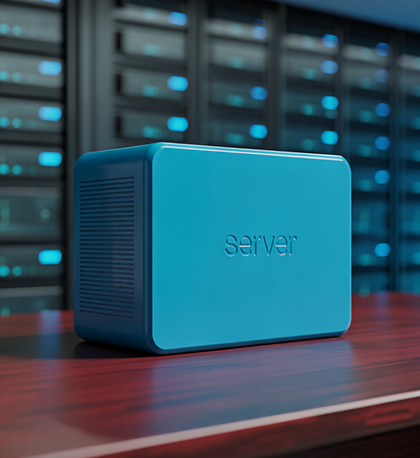
Mini Servers
Mini Servers or MicroServers are compact servers that offer good performance despite their small size. They are suitable for applications with moderate processing and memory requirements. However, their limited expansion capabilities mean that careful consideration is needed when selecting and configuring them.
These servers are ideal for small-scale deployments where space, power consumption, and cost are considerations.
Example: HPE ProLiant MicroServer Gen10 Plus v2 Standard
Storage is a device used to store data for various systems within an organization.
The choice of storage devices and methods is crucial. Selecting the right storage solution for organizational needs and team collaboration ensures fast and efficient data management. Storage technologies vary depending on the type of usage and access protocols, with each type having different connection methods and purposes
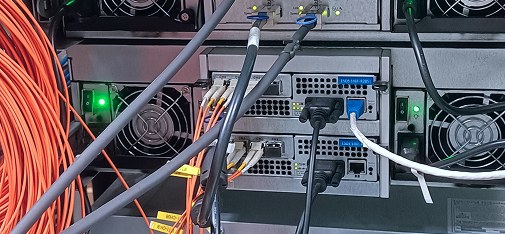

Direct Attached Storage (DAS) is a storage system directly connected to a server.
Storage Area Network (SAN) is a storage system connected over a network, transferring data in blocks via iSCSI or Fibre Channel.
Unified Storage is a storage system that can connect to servers either as SAN or NAS, providing flexible deployment options.
Network Attached Storage (NAS) delivers file-based storage over an Ethernet network.
Tape Storage uses magnetic media for data storage and remains a popular option for backup purposes.
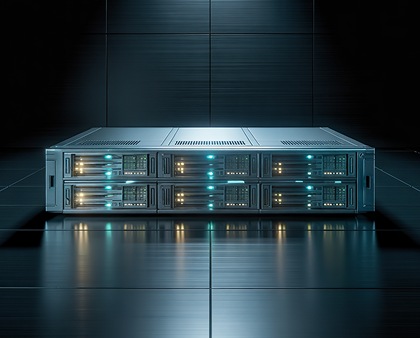
DAS Storage
DAS (Direct Attached Storage) is a storage system directly connected to a server or client, expanding storage capacity for connected systems and providing high performance.
SAN Storage
SAN (Storage Area Network) / Block Storage is a storage system that connects remotely via a network, transferring data in blocks over Ethernet using iSCSI or Fibre Channel. It allows management of volumes and LUNs, supports features like snapshots and replication, and is commonly used for databases, virtualization, and virtual desktop infrastructure (e.g., Infortrend DS1000/DS2000/DS3000/DS4000, IBM Storage FlashSystem 5045).
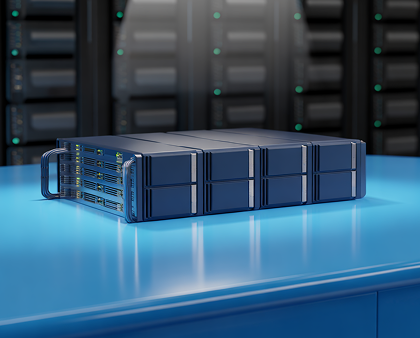
Unified Storage
Unified Storage is a storage system that provides both SAN and NAS services simultaneously, maximizing storage efficiency. It can be used for file sharing or block storage in virtualization systems (e.g., Infortrend GS1000, GS2000, GSe, GSe Pro).
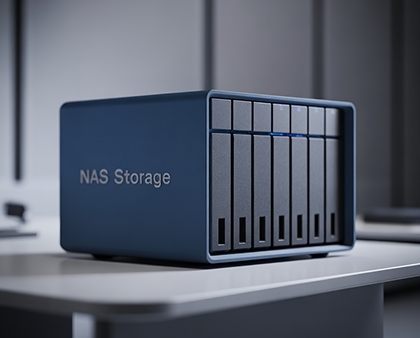
NAS Storage
NAS (Network Attached Storage) is a file-based storage system over an Ethernet network. Users mount the storage as volumes or folders via SMB, CIFS, or NFS. NAS is commonly used for file sharing in organizations of all sizes (e.g., Infortrend GS1000, GS2000, GSe, GSe Pro).
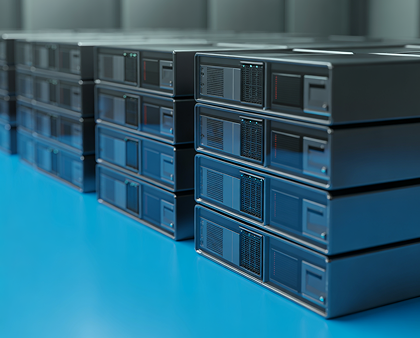
Tape Storage
Tape Storage is a magnetic tape-based storage device used for backup and long-term storage, offering increased data security. Tape drives have evolved to modern LTO9 drives with higher capacity (18TB native, 45TB compressed), faster read/write speeds, and multiple interface options such as Fiber or SAS. Tape drives are available as single drives, autoloaders, or tape libraries/standalone units, providing flexibility for users.


Network & Security
Network and IT Security Systems
Network and IT security systems are among the top priorities for any organization. Both must work together seamlessly, combining proper network design with robust IT security installations to effectively protect against cyber threats. Networks can be wired, wireless, or a hybrid of both. Security systems must be implemented accordingly to provide comprehensive protection and ensure that attacks from external and internal sources are effectively prevented.

Network. A Critical Component for Organizational Operations
To ensure efficient network performance, whether wired or wireless, network systems must be properly designed and implemented according to organizational needs. The commonly used network types today are as follows:
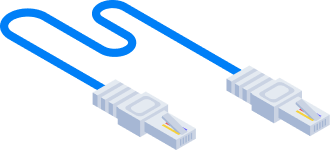
Wire Network
Today, wired networks are available in various speeds, including 100Mb, 1Gb, 10Gb, 25Gb, 40Gb, and 100Gb. The choice of cabling and network devices varies accordingly. Understanding device limitations is essential to design a proper network infrastructure that meets current requirements and can support future growth.
Wireless Network
Wireless networks are increasingly adopted by organizations for computers, VoIP systems, or IP phones. Once installed, adding users or devices can be done immediately without additional cabling. Modern wireless systems support multiple speeds, and wired connections are often upgraded to Multi-Gig to prevent bottlenecks between access points and switching hubs. Wireless technology has advanced to Wave 7, offering wider transmission speeds. Effective deployment requires careful planning to ensure coverage across all areas of the organization, seamless connectivity between points, and maximum network performance.

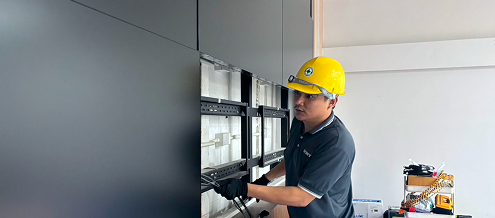
Kai IT Provides Procurement, Sales, Design, and Installation Services
We provide complete network infrastructure solutions for both wired and wireless systems, including installation services and user guidance.
IT security
IT security systems consist of multiple components, including external firewalls, internal firewalls, and antivirus solutions with EDR. These tools protect against attacks from both external and internal sources, including malware and ransomware, ensuring the system remains secure and operates at full performance.
Firewall
Firewalls are a critical IT threat protection device that reduce risks and protect organizations from potential attacks that could disrupt business operations. Firewalls act as the first line of defense against external threats, while also supporting secure remote work when employees need to access company resources offsite. They ensure continuous internet and email access, even in the event of ISP downtime, often requiring at least two internet providers to maintain uninterrupted connectivity.
Choosing the Right Firewall
There are many types, brands, and models of firewalls available in the market. Each can be chosen according to organizational needs, such as internet access, VPN, or site-to-site VPN. Selection should consider performance capabilities and traffic volume to ensure the model meets requirements. Among the options, Next-Generation Firewalls (NGFW) are the most popular today as they integrate security functions such as intrusion detection and prevention, threat protection, and malware scanning.

Understanding Customer Requirements
Scaling to Match the Size of the Organization
Selecting High-Quality and Purpose-Built Equipment
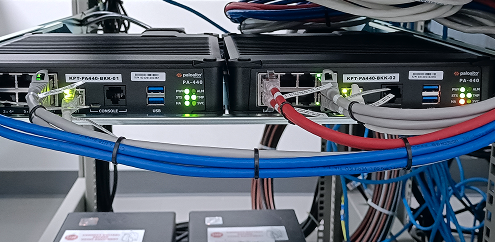
Kai IT supplies and distributes firewall solutions based on the customer’s preferred brand and model
We ensure that each firewall solution is appropriate for current usage, provides sufficient performance, and supports future business growth.